


GitHub: Know It as a Developer
Learning to write code is one thing. Knowing how to manage that code, track changes, collaborate with other developers and present your work professionally is the other.
For many people starting their journey in web development or software engineering, GitHub is one of those platforms they encounter repeatedly. It appears in developer tutorials, programming communities, job descriptions and discussions about open-source software. Yet, understanding what it actually does and why developers rely on it requires looking beyond its reputation as a website for storing code.
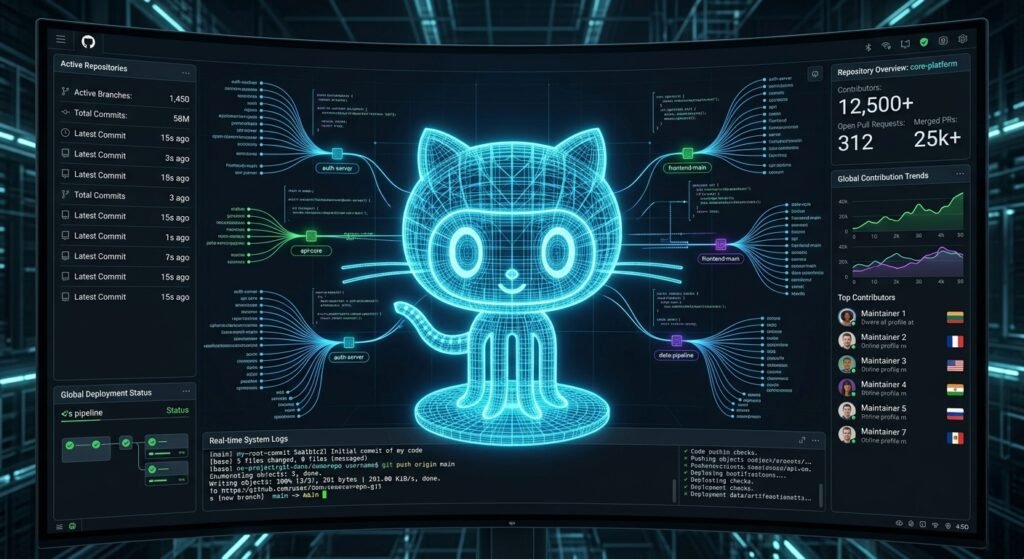
GitHub is an important part of modern software development. It provides an environment where developers can manage projects, collaborate on code, track changes and contribute to software built by people around the world.
What Is GitHub?
GitHub is an online platform for hosting and managing software development projects using Git, a version control system. It allows developers to store their code in repositories (project folders), monitor changes, collaborate with other developers and manage the development process. Developers can upload their projects to GitHub, maintain a history of changes and collaborate with others without having to exchange updated copies of files manually.
However, GitHub does much more than provide online storage. It includes tools for code review, project discussions, task management and automated development workflows. It supports both individual developers and teams working on large software projects.

Git and GitHub: The Difference?
Git and GitHub are closely related but they are not the same thing. It is software/tool that tracks changes made to files within a project. Git is a distributed version control system. Developers use it to maintain different versions of their work, examine previous changes and manage separate development branches.
GitHub, on the other hand, is a platform that hosts Git repositories and provides additional tools for collaboration and project management.
An easy way to understand the difference is to think of Git as the system responsible for tracking changes, while GitHub provides an online environment where developers can share those projects and work together.
Git can function without GitHub. A developer can use Git entirely on a personal computer to track changes to a project. But when developers want to share their work, collaborate remotely or contribute to projects maintained by others, GitHub provides the infrastructure to make that possible.
How Does GitHub Work?
GitHub organizes development projects into repositories and provides tools that help developers manage changes to their code. To understand how it works, there are several concepts worth knowing.

1. Repositories
A repository, commonly called a repo, is where a project’s files and revision history are organized. A repository can contain source code, images, documentation, configuration files and other resources required by a project.
Sensitive information such as passwords, API keys, private credentials and database connection details should never be committed to a repository. Repositories can be public or private. Public repositories allow other people to view the project, while private repositories restrict access to authorized users.
2. Commits
A commit is a recorded snapshot of changes made to a project. Whenever a developer makes meaningful changes, they can create a commit to document that update. Commits usually include messages describing what was changed. A developer might use messages such as “Updated homepage navigation” or “Fixed mobile layout issue.”
These records create a history of the project’s development. If something goes wrong, developers can examine previous commits to understand what happened and potentially restore an earlier version.
3. Branches
Branches allow developers to work on different versions or features of a project without immediately changing its main development line. Imagine a team building a website. One developer is responsible for the login page while another is working on the navigation system. Instead of making changes directly to the main version of the project, each developer can create a separate branch. This keeps their work isolated until it is ready to be reviewed and combined with the main project.
Branches make it easier to experiment, develop new features and fix errors without disrupting other ongoing work.
4. Pull Requests
A pull request is a proposal to merge changes from one branch into another. When a developer finishes working on a feature, they can open a pull request to ask other team members to review the changes. Other developers can examine the code, leave comments, suggest improvements and identify potential problems before the changes are merged. This process encourages collaboration and helps teams maintain code quality.
5. Issues
GitHub Issues provides a way to document tasks, bugs, feature requests and other project-related discussions. For instance, if someone discovers that a website’s contact form is not working, they can create an issue describing the problem. The development team can then discuss the issue, assign responsibility and track progress until it is resolved.
Together, these features make GitHub useful for managing more than code. They help organize the entire development process.
How To Get Started with GitHub
You do not need to be an experienced programmer before creating a GitHub account. In fact, getting familiar with the platform early can help you develop better habits as you learn to code.
Step 1: Create a GitHub account
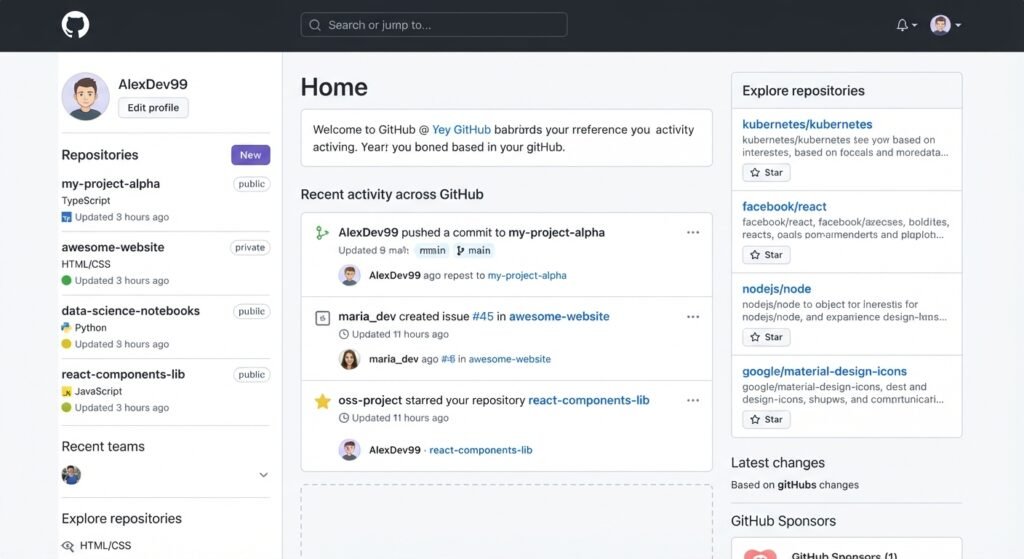
Visit GitHub and create an account. Your profile will serve as your public identity on the platform, although you can control what information and projects you make visible.
Step 2: Install Git
Git is the version control software that works alongside GitHub. You can download it from the official Git website and install it on your computer.
Step 3: Learn basic Git commands
Start with a few fundamental commands:
"git init" – Initializes a Git repository in a project folder.

 "git add" – Stages changes for a commit.

 "git commit" – Records staged changes in the project's history.

 "git status" – Shows the current state of your working files.

 "git push" – Sends local commits to a remote repository.

 "git pull" – Retrieves and integrates changes from a remote repository.
You do not need to memorize every Git command immediately. Understanding what these basic commands do is a good starting point.
Step 4: Create your first repository
Start with a simple project. It could be a personal webpage, a calculator or a small application you have built while learning. Create a repository and upload your project files. Add a README file explaining what the project does, the technologies used and how someone can access or run it.
Step 5: Practice making commits
As you improve your project, make commits that describe your changes. This helps you understand how version control works and builds a useful development history.
Step 6: Explore other repositories
Search for projects built with technologies you are learning. Read their documentation, examine their file structures and observe how developers organize their work. You can also explore beginner-friendly open-source projects when you are ready to contribute.
Why Developers Use GitHub?
GitHub has become an important tool in software development because it addresses several practical challenges developers encounter.
1. Managing and Tracking Code Changes
Software development involves constant modification. Features are added, errors are corrected and existing functionality is improved. GitHub, working with Git, allows developers to maintain a history of these changes.
Rather than losing previous versions of their work, developers can examine the project’s history and understand how it has evolved. This makes project management more organized and reduces the risk of losing important work.
2. Collaborating with Other Developers
Modern software projects are rarely limited to one person’s contribution. Developers often work with designers, testers, software engineers and other team members. GitHub provides a shared environment where contributors can work on separate branches, review proposed changes and combine their contributions.
This is particularly valuable for distributed teams whose members may be working from different locations.

3. Contributing to Open-Source Projects
Open-source software is software whose source code is made available under a licence that permits people to use, study, modify or distribute it according to the licence terms. GitHub hosts numerous open-source projects, allowing developers to explore existing codebases and contribute improvements.
Contributions may involve fixing bugs, improving documentation, adding features or reporting problems. Participating in open-source projects can provide exposure to real development workflows beyond personal tutorials and classroom exercises.
4. Managing Software Development Projects
GitHub also provides project management features that help teams organize tasks and monitor progress. Developers can use Issues, Projects and Discussions to coordinate activities, assign responsibilities and track outstanding work. This makes it easier to understand what needs attention and how different parts of a project are progressing.
GitHub Is Not Only for Programmers
Although GitHub is strongly associated with software development, its usefulness extends beyond traditional programming. The platform can also support people working with technical documentation, data science, research and other projects involving files that benefit from version control.
Technical writers can use GitHub to manage documentation and collaborate on updates. Data analysts can maintain scripts and project documentation, while researchers can use repositories to organize code and supporting materials.
GitHub Pages also allows users to publish static websites directly from a repository, making it useful for portfolios, documentation sites and simple web projects.
This broader application demonstrates that GitHub is not simply a destination for storing programming files. It is a collaborative environment for managing projects and tracking how they develop.

Tech Takeaway
GitHub has become an important part of how software is developed, maintained and shared. For experienced developers, it provides tools for managing complex projects and collaborating with other professionals. For beginners, it offers an opportunity to understand how real-world development works, to build a portfolio, and to participate in a wider programming community.
If you are learning web development, software engineering or another technical discipline, GitHub is worth exploring early in your journey. Do not wait until you have mastered programming before creating an account. Start with a small project, learn how repositories and commits work and gradually become comfortable with the platform.
The goal is not simply to have a GitHub profile. It is to learn how to use the tools and workflows that developers rely on to build better software.
Samic Tech Hub