

What Is Cloud Computing? How the Cloud Powers Modern Businesses
Businesses no longer need to own every computer server, storage device or software system they use. Today, an organization can run applications, store information and access computing resources through services provided over the internet. Platforms can collaborate on documents from different locations and access computing resources without building a private data center. These capabilities are part of cloud computing.
Cloud computing has changed how individuals and organizations access technology. Instead of purchasing and maintaining all the necessary infrastructure themselves, users can obtain computing resources from service providers and adjust their usage as their needs change.
However, cloud computing is not simply another term for storing files online. It encompasses infrastructure, computing power, databases, software platforms, networking and complete applications delivered through different service models.
Understanding cloud computing means understanding how these resources are provided, what businesses gain from using them and what responsibilities remain with the people and organizations that depend on them.
What Is Cloud Computing?
Cloud computing is a model for accessing computing resources over a network, usually the internet, without having to own and manage all the underlying physical infrastructure. The resources available through cloud computing can include servers, storage, databases, networking, software applications and development environments.
The National Institute of Standards and Technology (NIST) defines cloud computing around on-demand network access to a shared pool of configurable computing resources that can be provisioned and released with minimal management effort. Its definition also identifies five essential characteristics, three service models and four deployment models.
The central idea is that computing resources can be accessed as services rather than being tied entirely to equipment an organization owns and operates.
Consider a business that wants to launch a website. It could purchase a physical server, arrange a suitable location, maintain the hardware and manage the supporting infrastructure. Alternatively, it could rent hosting or computing resources from a cloud provider.
With the second approach, the business can focus more of its attention on developing and operating the website while the provider manages some or all of the underlying infrastructure, depending on the service selected. This does not mean the business has no technical responsibilities. It means those responsibilities are distributed differently.
Cloud computing changes how computing resources are obtained, managed and paid for. It does not eliminate the need for sound technical and business decisions.
How Does Cloud Computing Work?
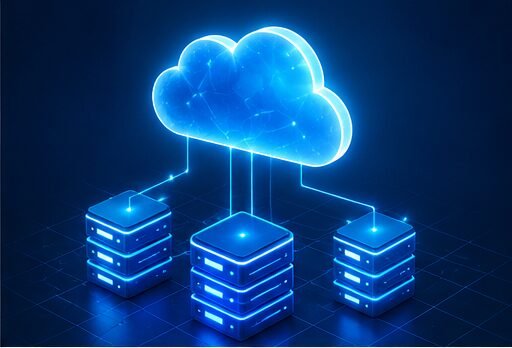
Cloud computing depends on physical infrastructure located in data centers. These facilities contain servers, storage systems, networking equipment, power systems and other technologies required to operate computing services. Cloud providers organize these resources so that customers can access them remotely.
Virtualization is one technology that helps make this possible. It allows physical computing resources to support multiple isolated virtual environments, enabling providers to allocate resources to different workloads without requiring a separate physical machine for every customer or application.
Not every cloud service relies on virtual machines in exactly the same way but the broader principle is that the provider manages an underlying pool of resources and makes selected capabilities available to customers.
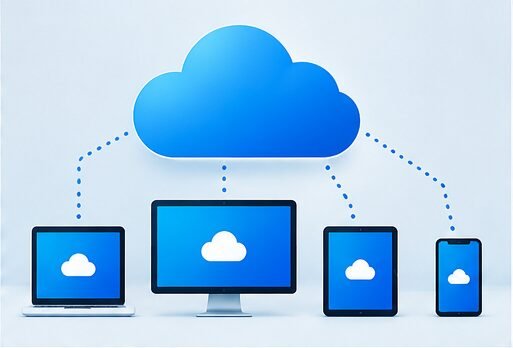
When a customer requests a cloud service, the provider makes the relevant resources or application available through its service platform. The customer interacts with that service through a browser, an application, a management interface or a programmatic connection. The provider’s infrastructure handles the operations required to deliver the service, while the customer’s responsibilities depend on the arrangement.
For example, a user accessing an online document editor does not need to maintain the servers running the application. A software developer renting a virtual server, however, may still need to configure the operating system, install software and maintain application security. This difference leads to an important point: cloud computing is not one product. It is a collection of service arrangements with different levels of control and responsibility.

The Three Main Cloud Computing Service Models
Cloud services are commonly grouped into three foundational models: Software as a Service, Platform as a Service and Infrastructure as a Service. These models describe how much of the technology stack the provider supplies and how much the customer manages.
Software as a Service (SaaS)
Software as a Service, commonly called SaaS, delivers ready-to-use software through a network. Users typically access these applications through a web browser or dedicated application without managing the servers, operating systems and underlying infrastructure required to run them. Online email services, document collaboration platforms and customer relationship management systems are familiar examples of SaaS.
The principal advantage is convenience. An organization can use software without having to build and maintain the entire application environment itself. The trade-off is reduced control over the underlying application. Customers may have limited influence over how the software is developed, updated or configured. They must also consider subscription costs, data access, integration requirements and the provider’s service terms.
SaaS is useful when an organization needs a functioning application rather than the infrastructure required to build one.
Platform as a Service (PaaS)
Platform as a Service provides an environment for developing, running and managing applications without requiring developers to manage every underlying infrastructure component. Depending on the platform, the provider may manage operating systems, runtime environments and other components needed to deploy applications.
Developers can concentrate more on application logic and product features instead of maintaining the entire environment in which the software runs. This can simplify development and deployment, particularly when a team needs standardized tools and managed infrastructure.
However, PaaS can introduce restrictions. Developers may need to work within supported languages, runtimes, configurations and service limits. Moving an application to another platform can also require changes if the application depends heavily on provider-specific features. PaaS is therefore a trade-off between operational convenience and control over the underlying environment.
Infrastructure as a Service (IaaS)
Infrastructure as a Service provides computing resources such as virtual machines, storage and networking. Instead of purchasing physical servers, customers rent infrastructure from a provider and configure it according to their requirements. This gives organizations considerable control over their computing environments without requiring them to own all the physical hardware. However, that control comes with responsibilities. Depending on the service, customers may need to manage operating systems, installed software, application configuration, access controls and security updates.
IaaS can suit organizations that require flexibility but do not want to purchase and maintain their own physical infrastructure. The distinction between the three models is straightforward:
| Service model | What the provider supplies | Primary customer focus |
| SaaS | A complete software application | Using and configuring the application |
| PaaS | A managed application development and runtime environment | Building and deploying applications |
| IaaS | Computing infrastructure such as virtual servers and storage | Configuring and managing the software environment |
These models are not interchangeable. The appropriate choice depends on how much control an organization needs and how much technical management it is prepared to undertake.

Public, Private and Hybrid Cloud
Cloud computing can also be classified by how the environment is deployed and who can use its resources.
Public Cloud
A public cloud is operated by a provider that makes computing services available to multiple customers. Customers use resources allocated to them without needing to own the underlying data center infrastructure. Public cloud services can be attractive to startups and established businesses because they provide access to computing resources without the upfront investment required to build a comparable physical infrastructure.
However, public cloud does not mean that customer data is publicly accessible. Properly configured services use access controls and other security mechanisms to separate customers and restrict access. The actual level of security depends on the service, its configuration and how it is managed.
Private Cloud
A private cloud is an environment dedicated to a single organization. It may be operated within the organization’s own facilities or hosted and managed by a third party. Private cloud can offer greater control over infrastructure, configuration and operational arrangements.
That control may be useful where an organization has specific technical, regulatory or operational requirements. However, a private cloud is not automatically more secure or less expensive than a public cloud. Its security depends on implementation and management, while its cost can include infrastructure, maintenance, staffing and operational overhead.
Hybrid Cloud
A hybrid cloud combines a private environment or existing infrastructure with public cloud services.
An organization might retain certain systems in its own environment while using public cloud resources for other workloads.
This arrangement can help organizations accommodate different requirements, but it introduces additional complexity. The environments must be connected and managed appropriately, and the organization needs a clear understanding of where its data resides and how its applications interact. There is no universally best deployment model. The choice depends on the organization’s workload, budget, security requirements, technical capacity and long-term plans.
Why Do Businesses Use Cloud Computing?
Cloud computing offers several advantages but their practical value depends on how the services are selected and managed.
- Reduced Upfront Infrastructure Investment
- Building an on-premises computing environment can require spending on servers, storage, networking equipment, physical facilities and maintenance.
- Cloud services allow businesses to access selected resources without necessarily purchasing all that infrastructure in advance. This can lower the initial barrier to launching a digital service.
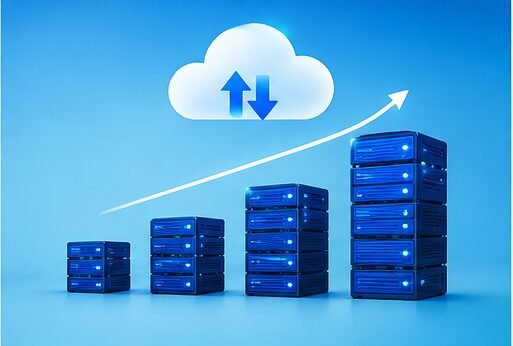
- Scalability: An application may experience increased traffic during a promotion, seasonal sales period or product launch. A traditional infrastructure arrangement may require additional equipment to handle the increase. Cloud services can allow organizations to allocate additional resources when demand rises and reduce them when those resources are no longer needed, provided the service and application support that approach. This flexibility can reduce the need to purchase infrastructure based entirely on peak demand.
- Faster Deployment: Cloud services can make computing resources available without the procurement and installation process associated with physical infrastructure.
Cloud Computing and Cybersecurity
Cloud computing changes how organizations manage security but it does not remove their responsibility to protect systems and information. Cloud providers operate infrastructure and offer security features. Customers must still understand which controls they are responsible for implementing. The exact division of responsibility depends on the service model.
With a managed software application, the provider may handle most of the underlying infrastructure and application maintenance. With infrastructure services, customers generally retain greater responsibility for the operating systems, software and configurations they control.
What Happens When the Internet or Cloud Service Fails?
Cloud computing makes remote access possible but it also introduces dependencies. When an application depends on a cloud service, users may be unable to access its functionality if their internet connection fails or the service becomes unavailable. The consequences depend on the application and its design. Some applications offer offline functionality or synchronize changes when connectivity returns. Others require a continuous connection.
Cloud providers can also experience service disruptions. A business that depends on a single service without a suitable contingency plan may find that an outage interrupts important operations. Organizations should therefore consider service availability, recovery arrangements, data portability and the consequences of losing access to a particular provider.
For critical systems, they may need documented procedures for restoring operations or maintaining essential functions during an outage. The appropriate level of preparation depends on the business. A temporary interruption to a non-essential internal tool may have limited consequences, while an interruption to a payment system or customer-facing service may be much more serious.

Why Cloud Computing Matters in Nigeria
Cloud computing is relevant to Nigeria’s growing digital economy because it gives businesses, developers and technology entrepreneurs access to computing resources without requiring them to build every component of their own infrastructure.
A startup developing a digital product can use cloud services to host its application. A software development team can provision testing environments. A business can adopt cloud-based accounting or customer management software. An organization can also use cloud storage and collaboration tools to support distributed work.
Nigerian organizations still need to account for internet reliability, electricity costs, technical skills, payment arrangements, service pricing and the requirements governing the data they handle.
Data protection is particularly important where customer or employee information is involved. Cloud computing does not remove these local operating conditions. It changes the options available for managing technology within them.
Is Cloud Computing the Same as Cloud Storage?
Cloud storage is one service that can be delivered through cloud computing but the two terms do not mean the same thing. Cloud storage allows users to store and retrieve information through a network. It can support file sharing, backups, synchronization and data retention. Cloud computing covers a much wider range of capabilities, including processing power, networking, databases, development platforms and complete software applications.
A business may use cloud storage without running its own applications in the cloud. Another organization may use cloud infrastructure to run an application that processes data and stores the results. Cloud storage is therefore one component of the broader cloud computing environment.
Tech Takeaway
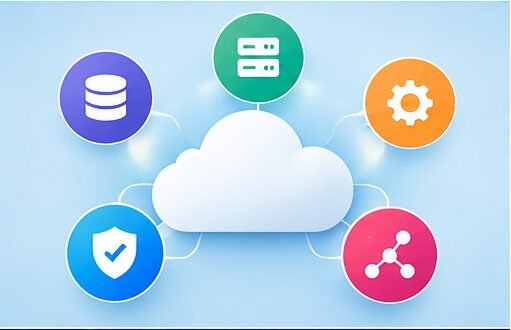
Cloud computing changes how people and organizations obtain computing resources. Instead of owning and maintaining all the necessary infrastructure, users can access services that provide software, development platforms, storage and computing power through a network.
Cloud computing can help computing reduce upfront infrastructure requirements, deploy systems more quickly and adjust resources as their needs change. However, cloud computing is not a universal solution to every technology problem. Costs can grow without proper management; applications remain dependent on underlying services and security responsibilities do not disappear when infrastructure is moved to a provider.
The real value of cloud computing lies in accessing the right resources for the right purpose while understanding the responsibilities that come with them.
As digital services continue to shape how businesses operate, cloud computing remains an important foundation for understanding modern software, online platforms and technology infrastructure.
Samic Tech Hub