


What Is SQL?
Structured Query Language (SQL) is a standard language for working with data in relational database systems. The International Organization for Standardization maintains its formal standard as ISO/IEC 9075 Database Language SQL (the official international standard that defines SQL for managing relational database systems), referenced by PostgreSQL documentation SQL:2023 as the current standard revision.
The word relational is important. A relational database organises information into tables made up of rows and columns. Each table represents a particular type of information, while table relationships connect related data.
In the rapidly shifting matrix of software engineering, very few frameworks endure. Technologies emerge with massive hype, capture developer mindshare and fade as architectures evolve. Yet, Structured Query Language (SQL) stands as a monument of absolute persistence. The endurance of SQL is not an accident of history. It stems from its robust mathematical foundations deeply ingrained in relational algebra.
SQL Is More Than a Database Language
To truly grasp SQL with structural authority, one must discard the misconception that it is merely a word-based tool for filtering rows and columns. Underneath the declarative syntax lies a deterministic execution engine. Relational databases organize data into strongly typed tables, where a tuple (row) represents each horizontal entry and a strictly bounded domain (data type) defines each vertical column. It can retrieve information, filter records, combine related data, calculate results and modify stored data. That helps explain why it has remained relevant even as businesses have adopted spreadsheets, dashboards, Python, cloud platforms and artificial intelligence. The value of SQL lies not simply in its ability to retrieve data. Its real strength is that it allows people to ask specific questions of structured data without first moving an entire database into another tool.

Structural Taxonomy of SQL Data Commands
Division of SQL syntax into specialized structural sub-languages ensures precise system management. Each subclass targets a distinct layer of the data life-cycle, ensuring isolation of responsibilities between software applications, database administrators and data security infrastructure.
1. Data Query Language (DQL)
DQL focuses entirely on the extraction of data. It consists of the SELECT statement and its surrounding execution clauses. DQL pulls data out of the system without altering the internal state of the database relations.
2. Data Manipulation Language (DML)
DML manages the alteration of the tuples(rows) stored within the relations. It encompasses commands that insert, remove or modify real data entries:
- INSERT: Appends new structural tuples directly to the physical storage structure.
- UPDATE: Changes existing attribute values based on evaluated row-level predicates.
- DELETE: Purges target rows permanently from the storage relation.
3. Data Definition Language (DDL)
DDL defines and modifies the fundamental structural blueprints of the system. It governs tables, indexes, constraints, views and schemas. Key primitives include:
- CREATE: Establishes a new database, table structure or optimization index.
- ALTER: Modifies a schema structure at runtime such as injecting a column or dropping a constraint block.
- DROP: Eliminates an entire structural object from the database dictionary permanently.
4. Data Control Language (DCL) & Transactional Control Language (TCL)
DCL manages security access and operational governance through GRANT and REVOKE commands, controlling user and role permissions. TCL ensures transaction isolation through COMMIT and
ROLLBACK, bounding state changes to strict ACID guarantees (Atomicity, Consistency, Isolation, Durability) to protect system integrity from hardware crashes or concurrent overlapping operations.
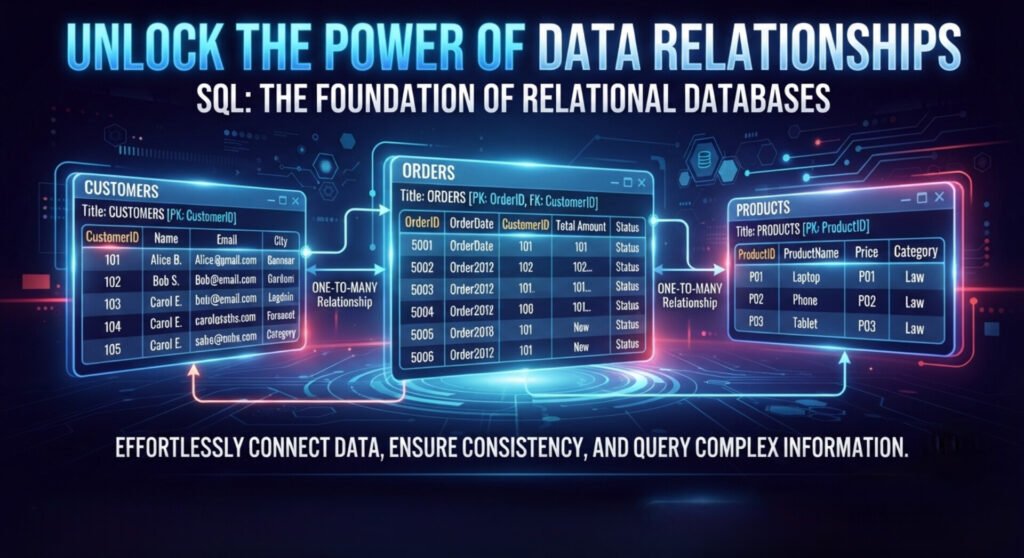
Data Relationship In SQL
SQL can handle far more than simply displaying rows from a table. Relational databases organize information into distinct, interconnected tables to ensure data integrity and eliminate duplication. This relationship means SQL can answer questions that require information from multiple places. A primary key identifies a row within a table. A foreign key is a column or group of columns whose values reference a key in another table. The usage of keys implements the relationship between tables. An online shop might have:
Customers
| Customer_ID (Primary Key) | Name | City |
| 101 | Ada | Lagos |
| 102 | David | Abuja |
Order
| Order_ID (Primary Key) | Customer_ID (Foreign Key) | Amount |
| 5001 | 101 | 85000 |
| 5002 | 102 | 42000 |
The “Customer_ID” creates a relationship between the two tables.
Instead of keeping every piece of information in one enormous table, a database can organise it into related structures. SQL then provides a way to work with those structures. PostgreSQL describes a relational database as a system where tables contain rows and columns with defined data types.
SQL Queries
Before learning SQL syntax, it helps to understand three fundamental ideas.
- Attributes are the named properties represented by columns.
- Tuples are individual rows within a relation.
- Relations are structured collections of tuples sharing the same attributes.
SQL databases add practical features that go beyond the strict mathematical relational model, including NULL, duplicate rows in many contexts and implementation-specific behaviour. Nevertheless, the relational model provides the conceptual foundation for understanding SQL. Two operations are especially useful when learning how queries work.
- Projection means choosing particular columns from a relation.
- Selection means choosing rows that satisfy a condition.
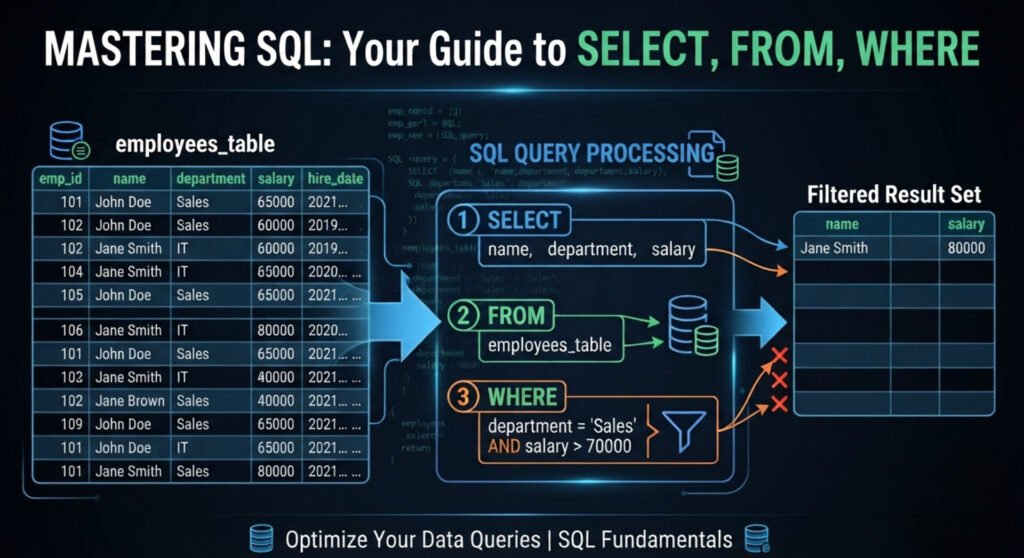
How SQL Turns Questions Into Data
One of the most useful ways to understand SQL is to stop thinking about it as a collection of commands and start thinking about it as a question language. Suppose a business wants to know: “Which customers live in Lagos?” An SQL query could be:
SELECT name, city
FROM customers
WHERE city = ‘Lagos’;
The query tells the database three things:
“SELECT” — the information wanted.
“FROM” — the location of the information.
“WHERE” — the records to include.
The result might be:
| Name | City |
| Ada | Lagos |
The important point is not memorising the syntax; rather, it is understanding the sequence. That is what makes SQL useful across different industries. While columns describe the structure or attributes of the data, the rows contain individual records. SQL allows us to ask questions about this structure without manually searching through every row. That is one of its defining characteristics: SQL is largely declarative. Instead of describing every computational step the database must perform, you describe the result you want. The database engine determines an appropriate way to produce that result.
SQL INTEGRATIONS
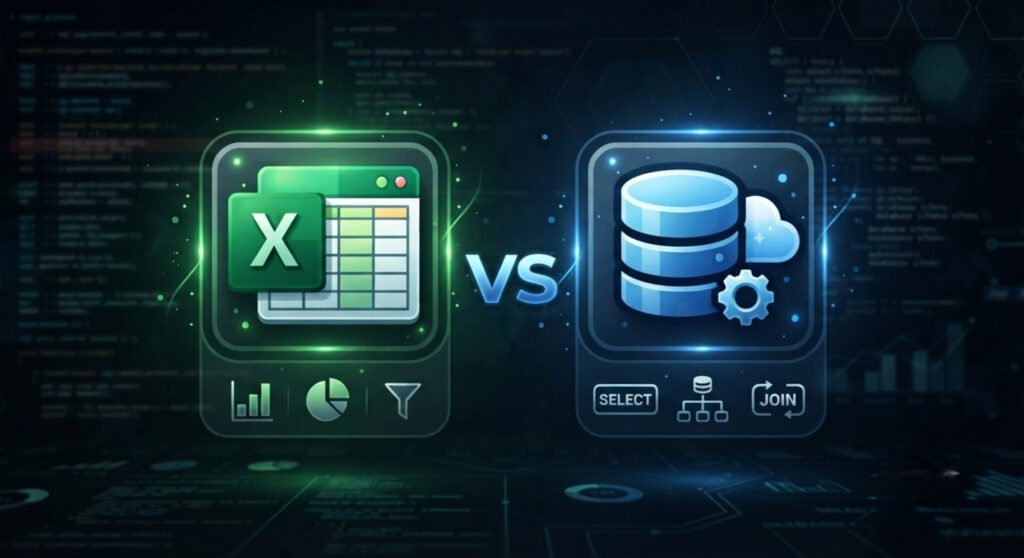
Excel vs SQL
SQL and Excel can overlap but they are designed around different working environments. Excel is excellent for working directly with spreadsheets, performing calculations, building quick models and presenting smaller datasets. SQL is designed to interact with databases. If a company has thousands or millions of records distributed across related tables, moving everything into a spreadsheet before asking a simple question can become tedious and too cumbersome to manage. SQL allows the question to be sent directly to the database. Excel may therefore be the better tool for some forms of manual analysis and presentation while SQL is often better suited to retrieving and transforming structured data at its source. In many professional environments, the two are not competitors at all. They are part of the same workflow.
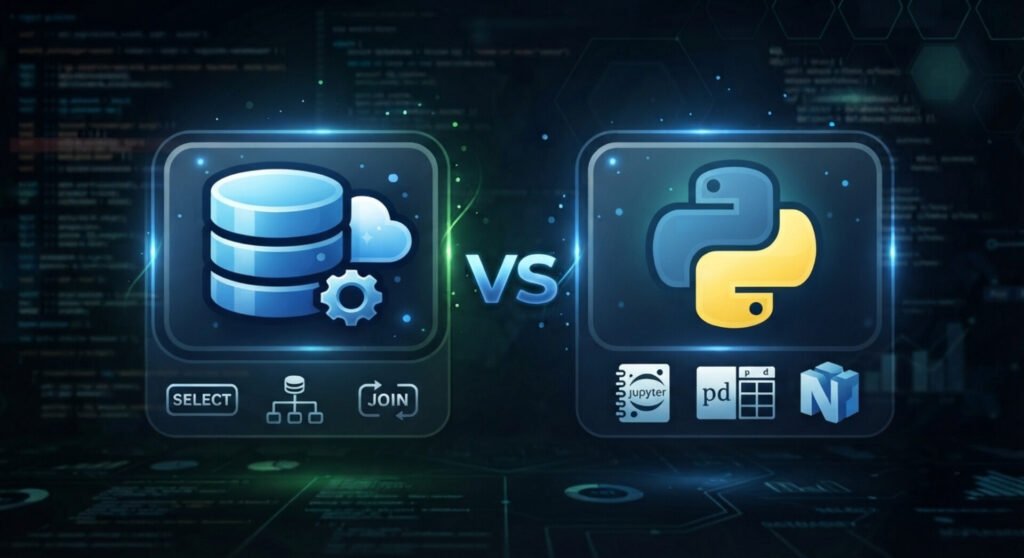
SQL vs Python: Different Tools, Different Jobs
Python and SQL are also frequently compared because both are important in data-related work. However, they solve different problems. SQL is specialised for working with data stored in relational database systems. Python is a general-purpose programming language that can be used for data analysis, automation, machine learning, software development and many other tasks. A data analyst might use SQL to retrieve the relevant sales records from a database and then use Python to perform a more complex analysis. The tools can therefore complement one another: SQL retrieves and shapes the data. Python can perform broader computation and analysis. Neither replaces the other in every situation.
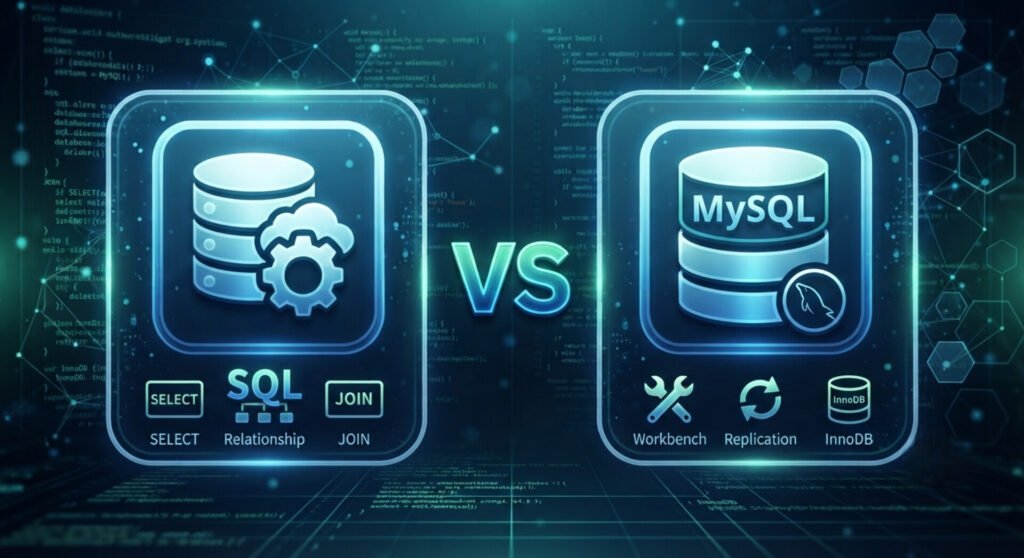
SQL vs MySQL
Most people often confuse SQL and MySQL but they exist at entirely different layers of the technology stack. SQL is a syntax protocol (a query language) while MySQL is a software application—a Relational Database Management System (RDBMS). It is an implementation layer managed by Oracle Corporation.
Where SQL Fits Into the Modern Data Stack
SQL is useful across several technical roles, including:
- Data analysts retrieve, filter and analyse business data.
- Business intelligence professionals prepare data for reports and dashboards.
- Software developers interact with application databases.
- Data engineers transform and manage data within larger data systems.
- Data scientists obtain and prepare datasets for statistical and machine-learning work.
- Database administrators manage database environments, performance, security and reliability.
The depth of SQL knowledge required varies between these roles. A beginner analyst may start with “SELECT”, “WHERE”, “ORDER BY”, aggregate functions and “JOIN”. More advanced work can involve subqueries, Common Table Expressions, window functions, transactions, indexing and query optimisation. PostgreSQL’s own SQL tutorial, for example, progresses from querying and joins into aggregate functions, views, foreign keys, transactions and window functions.
Is SQL Still Worth Learning?
Yes! But SQL should not be learned simply because it appears on a list of popular technology skills. It is worth learning because it develops a particular way of thinking about information. SQL also has an unusually durable position in technology because relational databases remain fundamental to many applications and business systems. The SQL standard itself continues to evolve and major database systems continue implementing and extending SQL.
How to Start Learning SQL
A beginner does not need to learn every SQL feature at once. A sensible progression is:
- Understand databases, tables, rows and columns.
- Learn “SELECT”.
- Learn filtering with “WHERE”.
- Learn sorting with “ORDER BY”.
- Learn calculations with aggregate functions.
- Understand “GROUP BY”.
- Learn how tables relate to one another.
- Practise “JOIN”.
- Learn how to insert, update and delete data safely.
- Move into advanced topics such as subqueries, CTEs, window functions and query performance.
The most effective practice is not memorising isolated commands. Start with a realistic dataset and ask questions that a real organisation might need answered.

Tech Take-Away
SQL has existed for decades but its importance is not based on age or tradition. It remains useful because organisations continue to store enormous amounts of structured information and need reliable ways to retrieve and work with it. The deeper lesson is that SQL is not really about memorising commands such as “SELECT”, “WHERE” or “JOIN”. It is about translating a question into a precise request for data. A business asks, “Which customers are buying less?” A database contains the evidence. SQL helps retrieve the relevant information. Analysis helps interpret it. And the organisation uses that understanding to make a decision. That is why SQL continues to sit at an important point between data and action.
For anyone entering data analytics, business intelligence, software development or data engineering, learning SQL is therefore not simply learning another technical language. It is learning one of the fundamental ways modern organisations communicate with their data.
On the bright side, Samic Tech Hub offers high-quality and comprehensive live tutorial classes on SQL. At Samic Tech Hub, SQL is not taught as a standalone theoretical concept but rather as the foundational backbone of a modern Data Analytics Career Path. The interactive live classes guide students sequentially through the industry-standard data framework.
Samic Tech Hub